
How to apply a created package size to a order
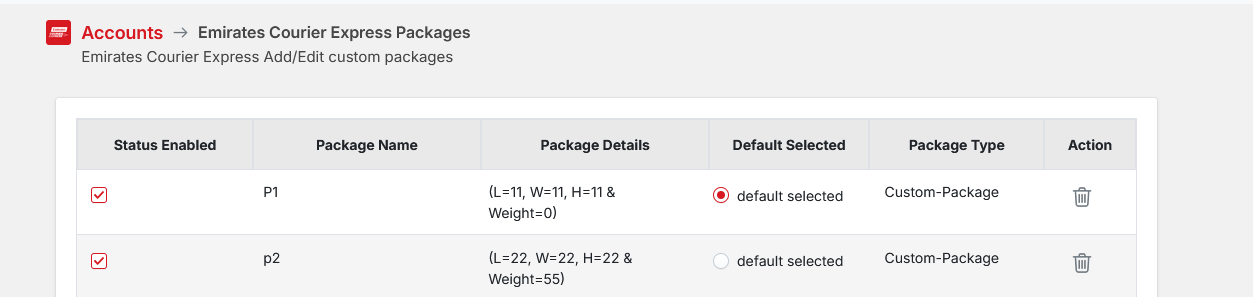
Create your package in Settings >>> Accounts >>>Packages
Default setting with the Emirates Courier Express App is Custom Package (P1) and this is automatically selected and added.
If you go to Manage Orders >>> Orders and View Order /Book Shipments >>> Open the order

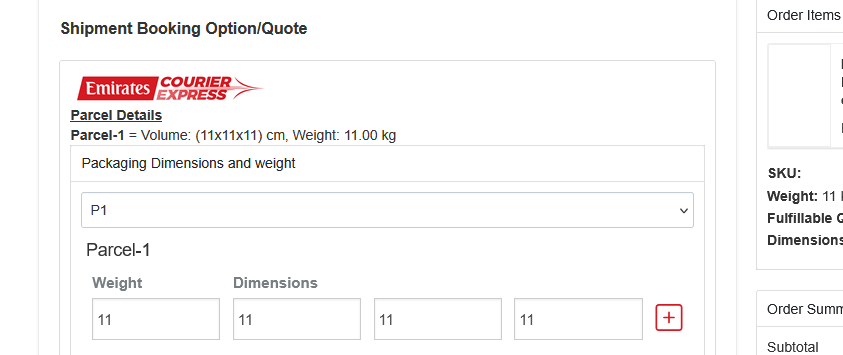
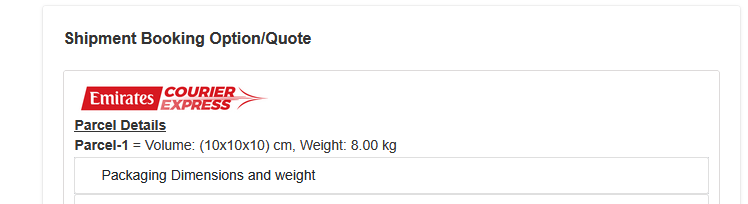
You will see a Packaging Dimensions and weight tab, Click on this. you will see P1 is default and showing with the dimensions assigned for that package.
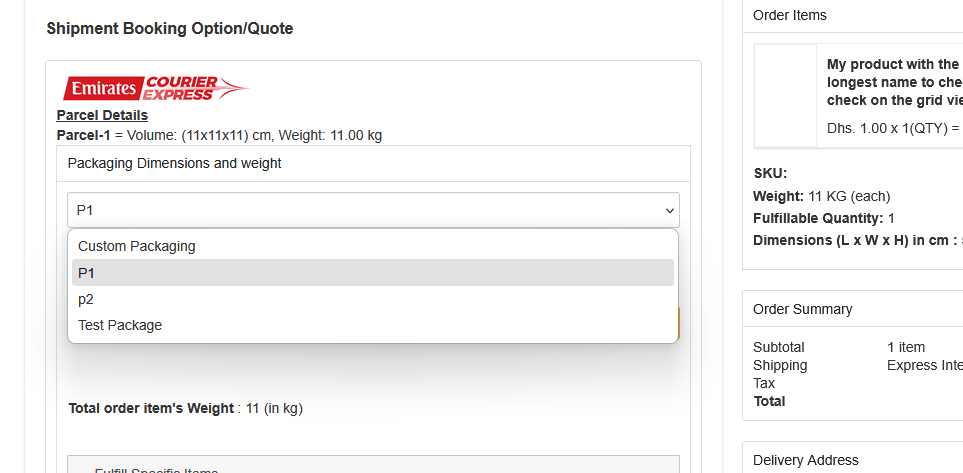
If you wish to change this to a package you created drop the P1 box and you will see the package you have created. For this example we have created a package called "Test Package"
Select this package and push Refresh Quote Prices.
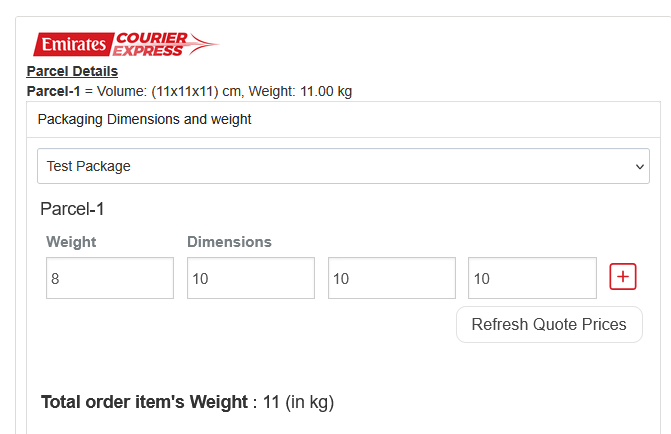
The Quote has now changed to reflect the new package dimensions.
If you make a mistake and pick the wrong package , you can click on the Start Over button (Top Right) to reset the parcel back to the original booked size.
